
Cybersecurity for companies: Five tips for practical cybersecurity
In a nutshell
Use strong passwords: a long passphrase is more secure than a short password, and every service needs its own password.
Enable two-factor authentication (2FA/MFA).
Scam messages are getting better thanks to AI: verify unusual requests through another channel, and always log in via the official address or app.
Updates, clear guidelines and a reporting channel are the foundation of cybersecurity.
If you don’t know the state of your cybersecurity, a cybersecurity audit is a good first step.
From a company’s perspective, cybersecurity means not only broader security arrangements but also practical, secure everyday behavior. October is Cybersecurity Month, so now is a good time to put these cybersecurity tips to use in your own company or team!
In an earlier blog article, we went through what Cybersecurity Month is, what the latest ENISA and Eurobarometer figures tell us about cybersecurity threats and why it’s worth checking your company’s cybersecurity. Check out the earlier article if you’d like to know more about the topic.
1. Use strong passwords and a password manager
A strong password is long, hard to guess, and not used anywhere else. A password should be at least 15 characters long, and a passphrase is more secure than an ordinary password.
A good password can be, for example, a whole sentence containing unusual or foreign-language words and special characters. Every user account should also have its own password. However, remembering dozens of long passwords can be difficult, if not impossible, and that’s where a password manager can help. The tool helps you create strong passwords and keep them protected, and you only need to remember one master password. The master password needs particularly strong protection, because if it is revealed, it opens access to all your passwords.
Company systems should always use strong passwords or passphrases. A strong password helps keep accounts safe.
2. Enable two-factor authentication
Two-factor authentication (2FA), also called multi-factor authentication or MFA, means that logging in requires a second verification in addition to your password, for example, an approval in an authenticator app or a code. With two-factor authentication, a password alone isn't enough to take over an account.
The National Cyber Security Center in Finland has urged companies to enable multi-factor authentication at least for digital services that are reachable from the public internet and require logging in. However, it is good practice to use two-factor authentication whenever possible.
Two-factor authentication is still not a foolproof security measure. Nor does it replace vigilance: always check the website address before entering your login details, and make sure the approval request is one you made yourself. If you receive an unexpected approval request for a login you didn’t make, don’t approve it, and report it to the person responsible for cybersecurity.
3. Learn to recognize scam messages
You can often spot a scam message by its urgency, an unusual request, or a login link, but AI has made them harder to spot. In the past, scam messages often gave themselves away with poor language, but now they are more convincing.
Practical tips for recognizing scam messages:
Don’t log in through a link in a message. Always use the official address or app.
Don’t let urgency cloud your judgement or pressure you into acting.
Verify unusual requests through another channel. If, for example, the “CEO” asks for an urgent payment, or a person in a video seems suspicious (such as a deepfake), verify the matter through another channel, for example by calling the person on a number you know.
4. Take care of updates, secure connections and guidelines
When working, always keep your devices up to date and make sure your connections are protected. Keep your devices, operating systems, browsers and applications updated. Use a secure connection for work tasks, for example a VPN, and be careful on public networks. Always lock your devices when you step away.
A security policy is a company’s written description of how cybersecurity is managed. It should state at least:
what is required of passwords and authentication
who suspicious messages or security incidents are reported to, and who is responsible for cybersecurity
what other cybersecurity practices the company has
However, guidelines don’t help if nobody knows about them. According to a Eurobarometer survey, only 45% of respondents say their organization regularly communicates about cybersecurity. This is an easy area for every company to improve: make sure the guidelines are up to date and known to everyone! It’s also worth encouraging employees to share information, such as scam messages they’ve received, with the whole team so everyone stays alert. For this purpose, you can set up a dedicated communication channel where the cybersecurity policy and the person responsible for cybersecurity are also available.
5. Find out where you stand with an external expert: the cybersecurity audit
Once the basics are in place, it’s worth focusing on improving the whole company’s cybersecurity comprehensively. A cybersecurity assessment or audit is a good solution when in-house cybersecurity expertise isn’t enough. An external expert, such as a cybersecurity consultant, reviews your current practices, identifies the most obvious risk areas, and provides a prioritized list of actions. If this would be a logical next step for your company, we can help you find the cybersecurity expert you need!
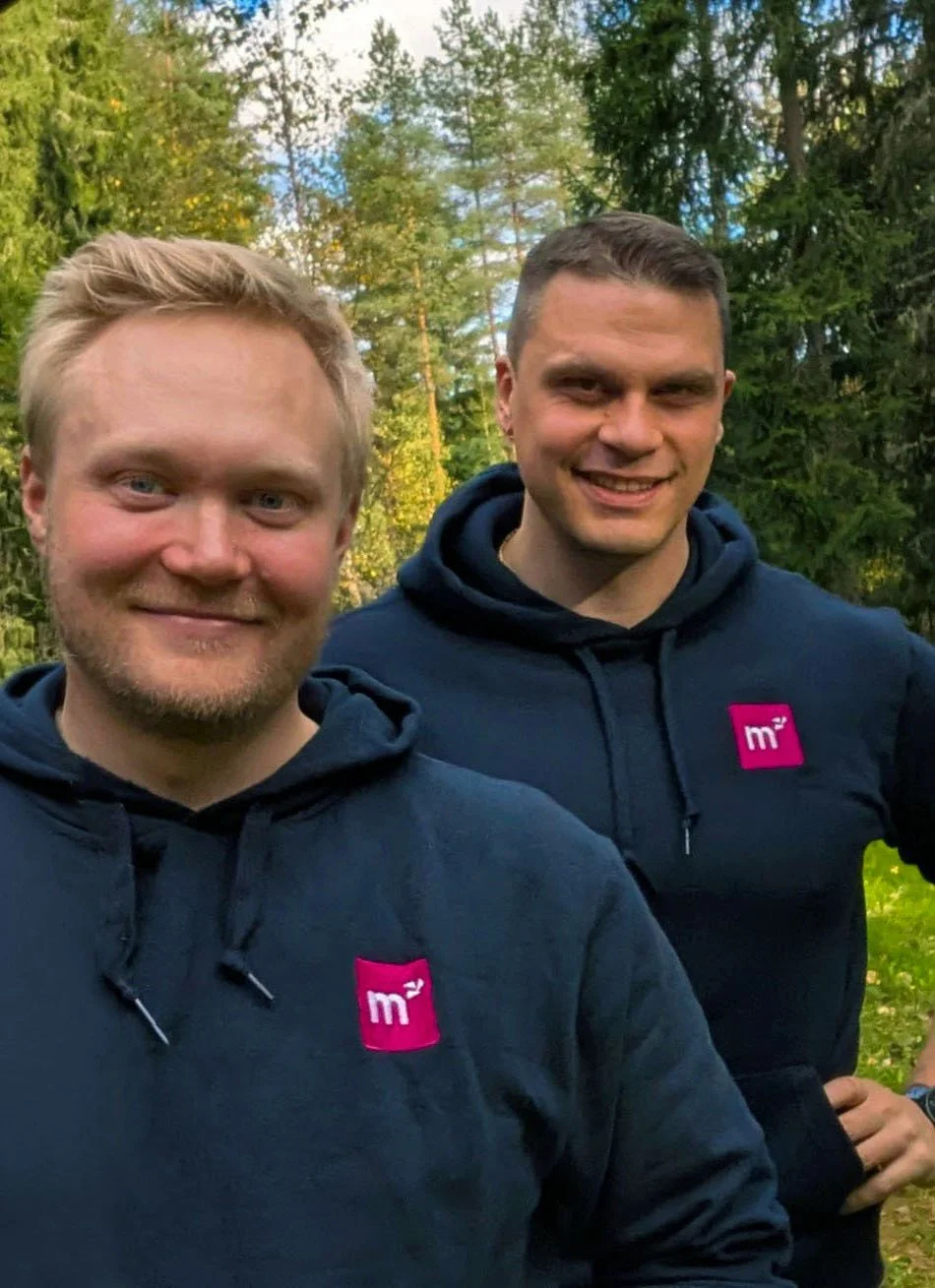
Sampsa (in the front) and Tero (in the back) can help find the best cybersecurity expert for your project!
Cybersecurity improves in small steps
You don’t have to do everything at once. Start with the basics, such as two-factor authentication and passwords, and add other cybersecurity practices over time. Remember to keep your whole team up to date.
If you need help mapping out the current state of your cybersecurity, or you need a cybersecurity expert to strengthen your team, Marvel Consulting’s consultants are happy to help. Get in touch and let's talk about your needs!